BEAUTY TOOL / TRY BEFORE YOU DYE
Free Hair Color Try-On Online
Upload a portrait, choose a shade, and preview a new hair color before you commit. The original photo stays untouched while Cravveo creates a browser-based try-on preview.
24 preset shades Custom color PNG download Browser workflow
Loading model...
Before After
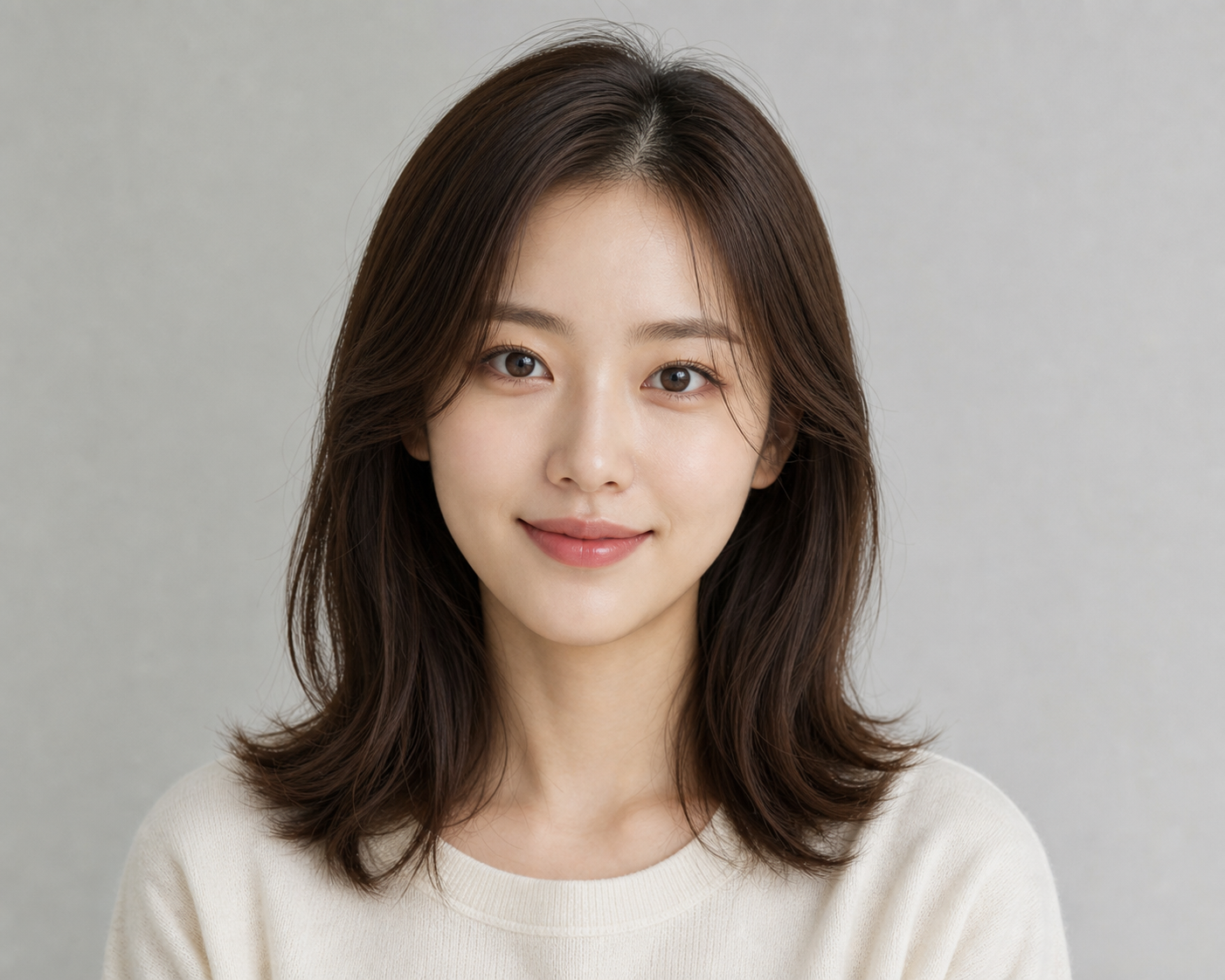
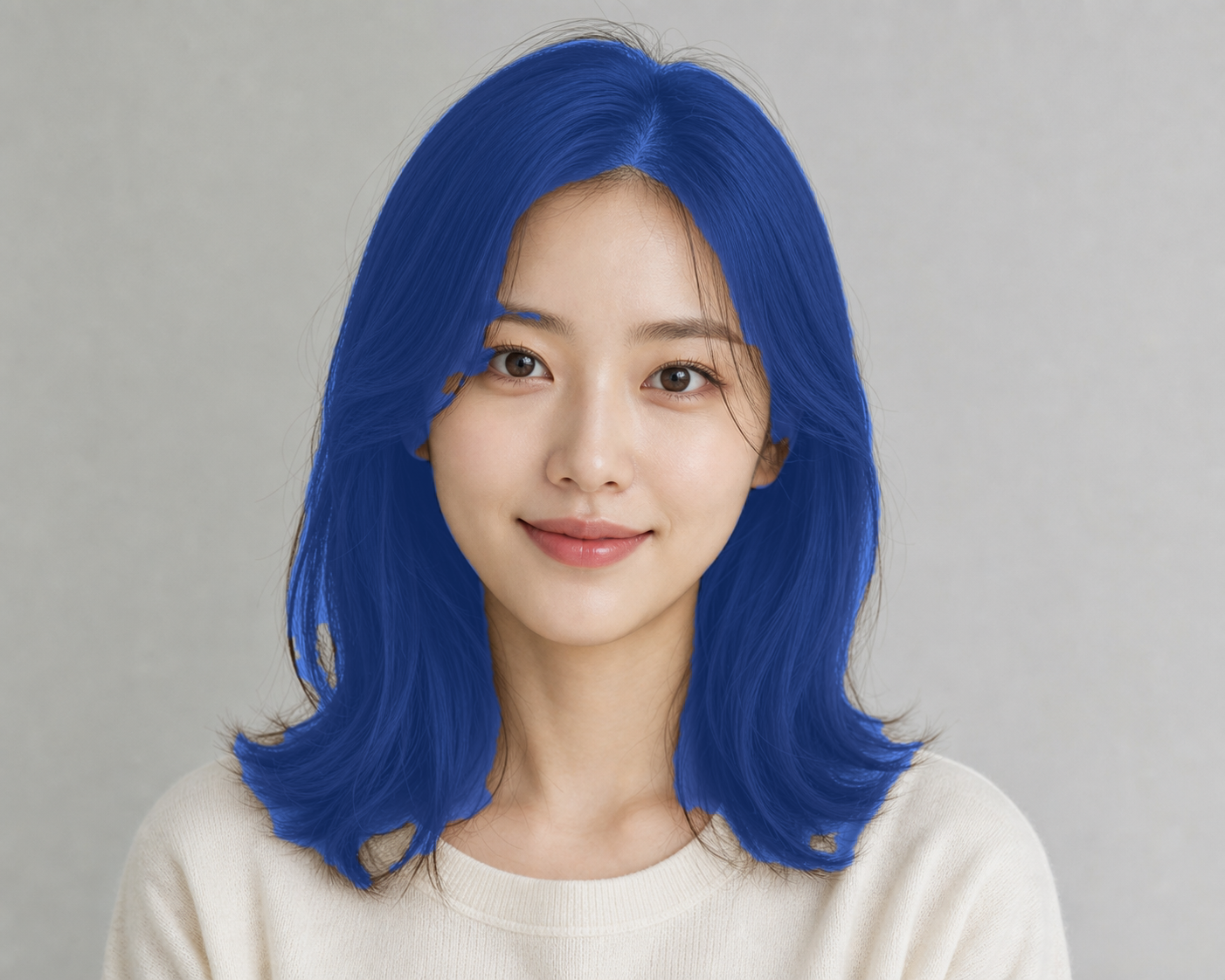 Preview
 Upload or capture Start with a portrait photo or webcam still.
Pick a shade Try natural, vivid, and custom colors.
Compare safely Keep the original image separate from the preview.
Save the result Download your try-on image as a PNG.
Source No image selected
Add a portrait to begin The original image will stay unchanged here.
Try-On Preview Waiting for source
No color preview yet Load an image and choose a shade.
BEAUTY TOOL / TRY BEFORE YOU DYE
Preview hair colors on your own photo
Upload a portrait, choose a shade, and compare the original photo with a recolored PNG preview.
EXAMPLE RESULT
Compare a color idea before you change your hair
Use it for quick visual comparison before trying a new color, profile look, or salon idea.
How to use it
- Upload a portrait or capture a still frame from your webcam.
- Choose one of the preset hair shades or pick a custom color.
- Adjust Color Strength until the preview feels natural.
- Download the final try-on image as a PNG.
Best photos
- One person facing the camera.
- Hair is visible and not covered by hats or hands.
- Good lighting with a simple background.
Useful examples
- Compare a natural brown, ash, blonde, or vivid shade before a salon visit.
- Make a quick reference image to share with a stylist or friend.
- Preview profile-photo color ideas without changing the original image.
Limits to know
- The preview is visual only and cannot predict real dye chemistry.
- Very dark hair, hats, busy backgrounds, and loose strands can reduce accuracy.
- Lighting changes the result, so compare several photos before deciding.
Browser preview workflow
The selected portrait is used in the page to create the try-on preview. Download only the image you want to keep, and use a clear photo for the most reliable result.