CAMERA CAPTURE
Take a photo for EasyCut
Allow camera access, then frame the object clearly.
IMAGE TOOL / FIRST RELEASE
Free Background Remover Online
Use EasyCut to upload or capture a photo, click the object you want, and export a transparent PNG. The segmentation runs in your browser with MediaPipe Interactive Segmenter.
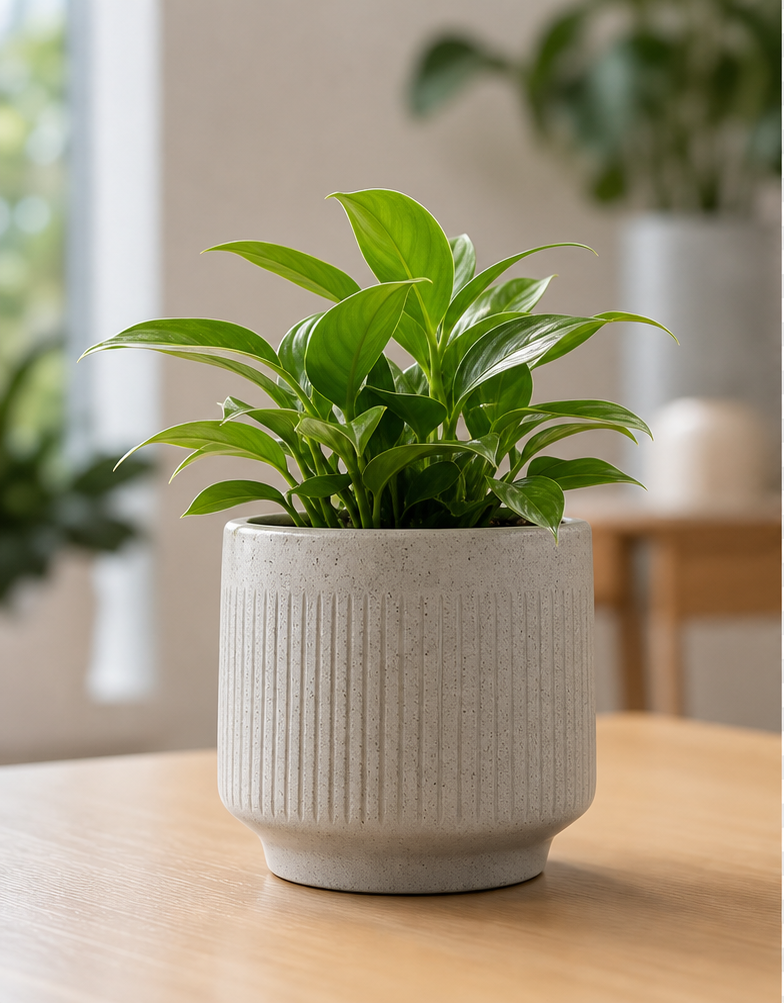
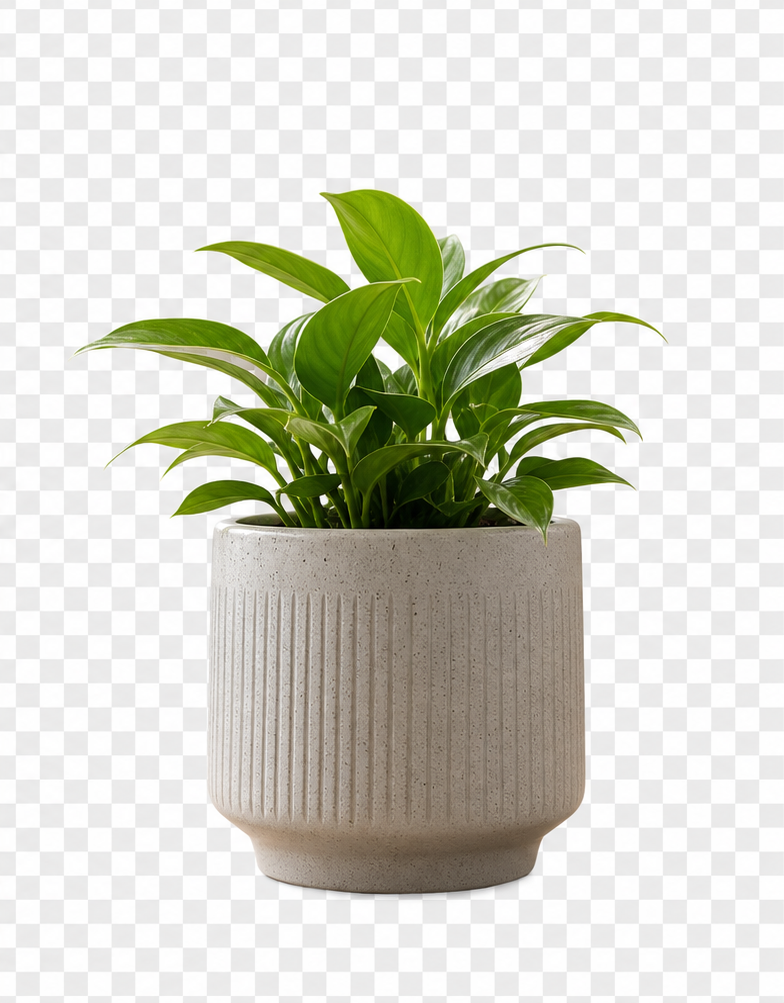 PNG
PNG EXAMPLE RESULT
See what a quick object cutout can look like
EasyCut works best when the main subject is clear and separated from the background. This sample shows a simple object photo turned into a cleaner transparent-background asset for product cards, blog graphics, and quick design drafts.
Export Background
PRIVATE BROWSER TOOL
Remove image backgrounds without uploading to a server
Choose an image, click the object you want to keep, refine the mask if needed, and download a transparent PNG.
How to use it
- Upload a JPG, PNG, or WEBP image, or take a new photo with your camera.
- Click near the center of the object you want to keep.
- Use Add or Remove mode if the mask needs a quick touch-up.
- Download the result as a transparent PNG.
Best for
- Product photos for small shops and marketplaces.
- Blog graphics and social images.
- Simple object cutouts where one subject is clearly visible.
Useful examples
- Remove a tabletop background from a plant, mug, accessory, or handmade item.
- Create a transparent object sticker for a slide, thumbnail, or product comparison.
- Prepare a quick marketplace image before doing a final manual edit.
Limits to know
- Clear edges work better than transparent glass, smoke, hair, or motion blur.
- Crowded photos may need brush cleanup after the first click.
- Review important commercial images before publishing the export.
Privacy and file handling
EasyCut is designed as a local browser workflow. Your selected image is used for the preview on the page, and the export is created from the browser canvas when you download the PNG.